

Showing posts with label Debian. Show all posts

Debian 13 "Trixie" GNU/Linux operating system is finally released on Saturday,  9 August 2025. This is a Long Term Support (LTS) release with five years of support until 2030 and has been developed for two years since the previous release. It includes full and complete set of tens of thousands of software packages. Trixie is available for almost all types of computer available in the world and we can download it for desktop and laptop for PC 64-bit (also known as amd64) and many other computer architectures (except now Debian no longer supports PC 32-bit aka i386) as detailed below plus further instructions. Let's download Debian!


Subscribe to UbuntuBuzz Telegram Channel to get article updates.

After you have Synaptic installed and you are ready, now this tutorial will quickly introduce and help you to practice installing, removing, and upgrading software packages with examples on Ubuntu 24.04 "Noble Numbat" using Synaptic Package Manager. You will learn by exercises, without knowing too much details about Synaptic. We hope with this tutorial you can work immediately with your new Ubuntu machine by having applications, games and utilities you need the most at the same time getting to know more about Ubuntu itself. Now let's start the exercise!

(Synaptic and GIMP on Ubuntu 24.04)

Subscribe to UbuntuBuzz Telegram Channel to get article updates.

This tutorial will help you install Synaptic on Ubuntu 24.04 "Noble Numbat". With Synaptic, you can search and install and remove and update software packages easily by clicks rather than command lines (GUI rather than CLI). It will be easy to you to access by putting its shortcuts on Dash left panel and desktop wallpaper area. This article is part of a larger series Package Management System on Ubuntu Buzz. We wish this will be beneficial and useful to you. Happy installing packages!


Subscribe to UbuntuBuzz Telegram Channel to get article updates.
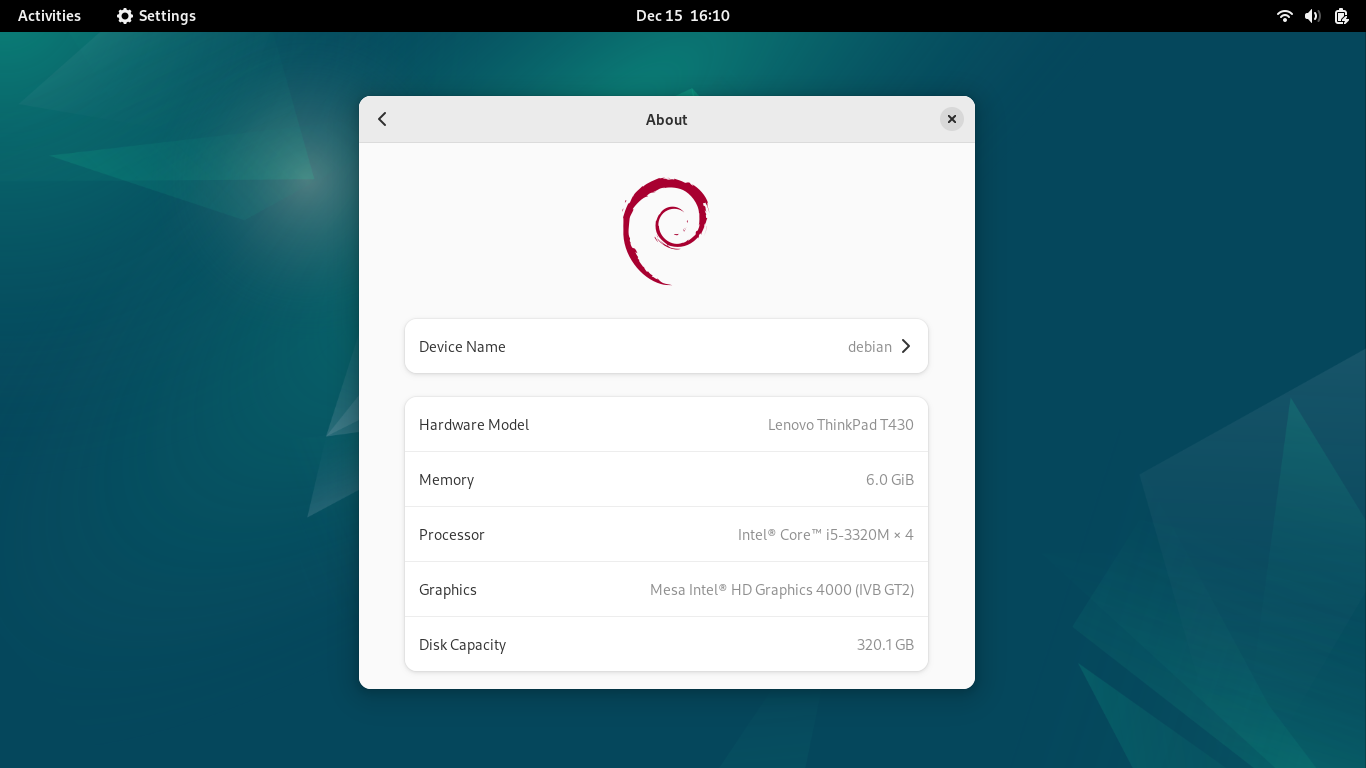
This tutorial will explain Debian repository and how to configure to use it to install and update software packages. You will learn about sources.list configuration file as well as Software & Source graphical configuration program to practice it. Debian GNU/Linux is a complete computer operating system alternative to Windows and MacOS as well as the most respected community-managed free software distribution. We hope this tutorial will be helpful to you. Now let's practice.


Subscribe to UbuntuBuzz Telegram Channel to get article updates.
Do you have an old/unused computer? This is a recommendation list of 32-bit (also known as x86 and i386) free operating systems in-2023-and-beyond for your old machines. With one of these, you can revive your laptop and desktop and get latest versions of thousands of software running to your benefits. They are fully functional OSes, supported and developed by the community.  This is an alternative solution to Microsoft Windows which now does not support older specifications anymore. Finally, happy reading, we hope you will like this!


Subscribe to UbuntuBuzz Telegram Channel to get article updates.

This tutorial will show you how to get latest version of Debian GNU/Linux operating system from the internet for desktop, laptop, and server purposes. Debian is a universal, free, libre, and open source software (FLOSS) for everyone. With this, we want to help many Debian new comers especially those whose English is not they language who do not know where and which file to download in order to install and run Debian on their computers. Finally, this tutorial accompanies the other one, Debian Downloading Guide for Older Versions, you can also read if you wish. Now let's start downloading.


Subscribe to UbuntuBuzz Telegram Channel to get article updates.
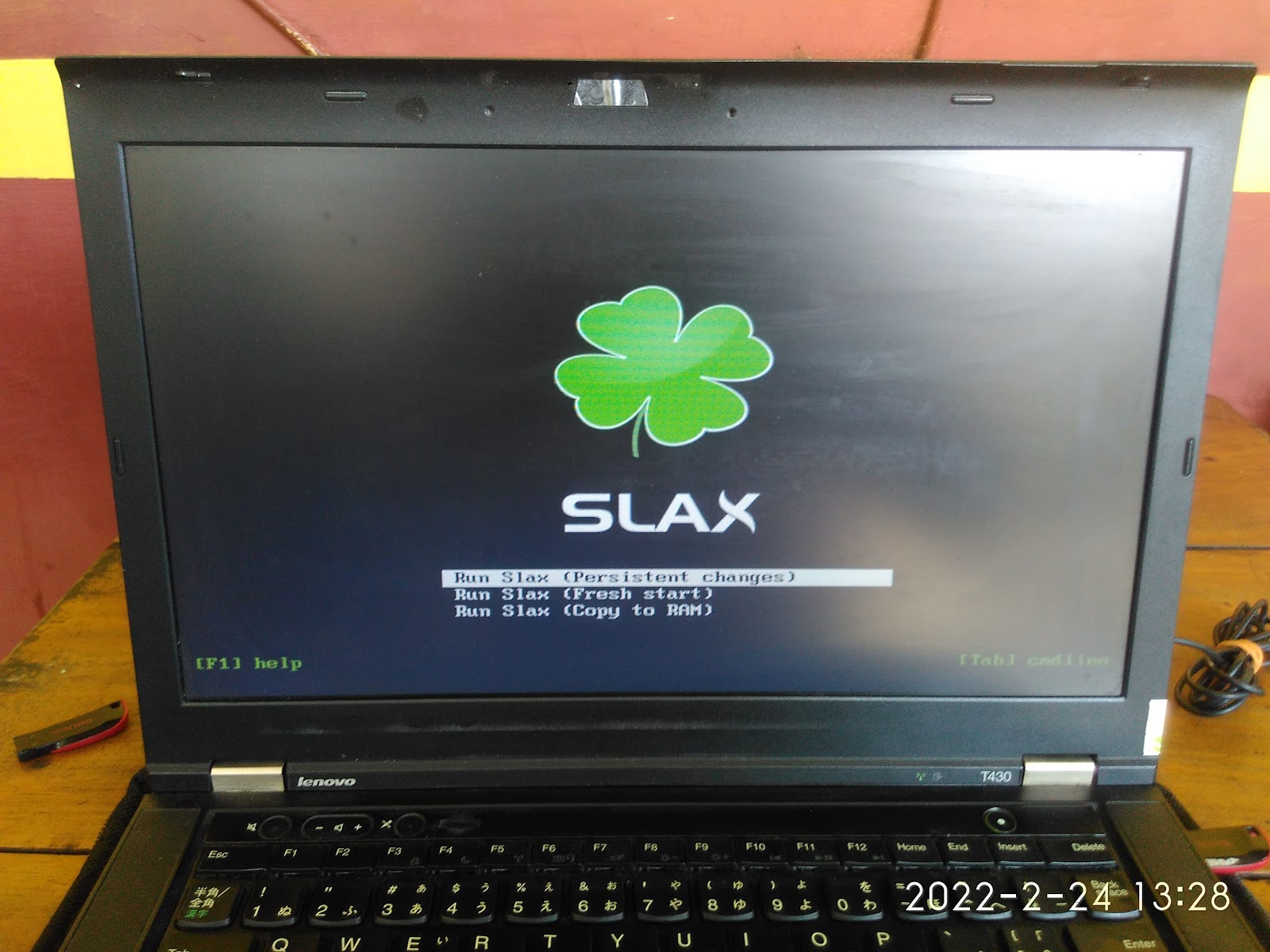
SLAX is a portable desktop operating system designed to run on removable media like USB stick. We covered it yesterday in a short review. However, we didn't make it clear how to make its bootable media. It's different to Ubuntu and another standard GNU/Linux distros in the making of its bootable as we cannot use image writing utilities like Rufus or Unetbootin. For that purpose, now we share with you how to make it from start to finish.


Subscribe to UbuntuBuzz Telegram Channel to get article updates.

SLAX is a modern, lightweight desktop operating system based on Debian GNU/Linux designed to run on a USB stick. It offers all software available on Debian repository and enables you in these years to run LibreOffice or Chromium Browser in just under half a GB memory, with tens of thousands software packages available for both old and modern computers, while any other OS cannot today. That's SLAX and we will discover it on this article. 

Subscribe to UbuntuBuzz Telegram Channel to get article updates.

This article is a collection of ideas to practice selfhosting with Yunohost for beginners who are learning system administration. Yunohost is like magic, this server OS allows us to deploy a full, working email server in one click and that works for other kinds of server too. Now, let's see the ideas!


Subscribe to UbuntuBuzz Telegram Channel to get article updates.

This tutorial explains how one can setup a full Gambas 3 software development kit on Debian and Ubuntu GNU/Linux operating systems. Gambas is a visual programming language as easy as and similar to Visual Basic by the difference that Gambas is fully free software. With Gambas, anyone can make graphical computer applications by drag and drop and coding with its beginner-purpose BASIC language. Lastly, we at UbuntuBuzz  want to enable as many people as possible to develop desktop applications on GNU/Linux by this tutorial. Now let's install it!

Subscribe to UbuntuBuzz Telegram Channel to get article updates.

Do you have an old desktop PC or laptop? We have happy news to you. You can reuse it, rather than throw it away or leaving it unused. To revive your computer, install a GNU/Linux operating system that supports old computers and is actively supported. This will give your old computer a fresh life once again, for general purpose, as well as for specific purpose like multimedia creativity and programming. You can receive latest software and security updates by using one of them on your old machine. Finally, we compile these choices in alphabetical order from antiX to Zorin OS that still support up to 15 years old computers a.k.a. 32-bit PCs with tens of thousands latest software packages. Happy computing!

 (Trisquel Mini, a good operating system for old PCs,
displayed in low resolution)

Subscribe to UbuntuBuzz Telegram Channel to get article updates.

We know that Debian in every release is distributed in multiple volumes of CDs and DVDs which are numbered 1, 2, 3 and so on. One Debian release may amount to 20 GigaBytes total or equal to dozens of CDs or DVDs.  Officially, Debian provides only CD1 and DVD1, while the rest of CD2 to CD50, DVD2 to DVD10, not provided in the Debian server and neither Debian mirrors. Although CD1 or DVD1 is sufficient to install Debian to computer, some people, like teachers and students, might want the additional CDs or DVDs for no internet access purposes. The official way to download the additional CDs or DVDs is by using a program called Jigdo. This tutorial explains how to do that simply and easily picture by picture.


Subscribe to UbuntuBuzz Telegram Channel to get article updates.

Do you have an old computer?  Do you love KDE Plasma? If your desktop or laptop was produced before 2011 or has memory no more than 4GB, it might be 32-bit, like those with Intel Pentium or AMD Athlon processor. You can revive it with one of KDE Plasma Desktop systems mentioned in this article, for example, Debian or Tumbleweed, and you can do your daily work with up to date applications and even games.

Subscribe to UbuntuBuzz Telegram Channel to get article updates.

Free Software Community is a worldwide society consisted of so many software projects, companies and other organizations. In this community you find Ubuntu, GNU and Linux, LibreOffice, Red Hat and Purism among others. This is our community. Today, we have Matrix Chat, a new public telecommunication facility accessible for everyone, a new technology born from our Community itself. With Matrix Chat, a community can provide an independent, free group chat and video calls for public to join and engage in discussion, publication, and conference. Matrix Chat has been successfully used even for international online conference with 30 thousands attendees. To foster adoption of Matrix Chat, this article lists out several important communities which adopted it so everyone can learn from them and consider to follow.

Subscribe to UbuntuBuzz Telegram Channel to get article updates.

Continuing Ubuntu Electronics article, this is Debian with full electronic engineering tools installed. I installed the special 'Science Electronic' section of software packages on Debian and I got many a lot of tools such as circuits, schematics, and PCBs designers as well as the simulators. By this, you can just install the software you need instead of install the whole OS. Here I report it in this article several of them with screenshots and valuable information.


Subscribe to UbuntuBuzz Telegram Channel to get article updates.

It is exciting that now big software projects are using GitLab for their own development. Debian, the universal operating system, and KDE, the best computer user interface plus applications compilation, and also Trisquel, the completely free software computer OS are among them. You can click those mentioned links to get involved in the software developments. It is certainly a good news as it is good example for the other projects in sovereignty of the infrastructure (borrowing Trisquel's terms). I made this article after the Rocky Linux's one as I just realized how important it is. However, as an addition it is also good if there is a project maintains their own Gitea (instead of GitLab) infrastructure as both are certainly libre software. I wish the best for them all!


This article is licensed under CC BY-SA 3.0.

Suddenly I cannot run my web browser on my computer. It is GNU IceCat on Trisquel operating system. More precisely, other applications seem to be worked normally but only this one failed to function and got some strange error. This issue can happen on other distros as well. Here is my report on this experience along with the solution and some references. I hope this report will be useful for GNU/Linux users everywhere.


Subscribe to UbuntuBuzz Telegram Channel to get article updates.

(Debian Buster can run with Snap applications)

When I was writing about LibreOffice 6.2 using D.A.F.S. last month, I realized that using Snap on Debian is a little bit different to Ubuntu. You need more works in the beginning. But once prepared properly, you can enjoy a vast number of up to date additional software for Debian from the Snapcraft repository. This tutorial explains how to prepare Snap on Debian 10 "Buster" LTS from start to finish including disabling it whenever you wish.

Subscribe to UbuntuBuzz Telegram Channel to get article updates directly.

(Debian helps us to get full source code easily and quickly)

As a continuation to Part 1, this article will present you information regarding source code availability of Debian GNU/Linux operating system. Fortunately, Debian provides us Source Code DVDs in ISO image format. This means when we distribute Debian to people we can easily distribute the corresponding source code as well, quickly and conveniently, as many free software licenses like GNU GPL within Debian require it. Think about it: if Debian does not provide so, how do we distribute the source accompanying the binary ISO? It requires gigantic effort per person, as we will need --among other options-- to manually scrap Debian repository to provide corresponding source code. That's why I said source DVDs are convenient. More fortunately, Debian also provides us so many places online to get source code either in individual or collective forms and facilitate us to search among them intelligently. Everything is really professional in my opinion. I could not find any other distro that gives same level of source code availability services like Debian. Finally, like before, I hope this helps everybody to get source code of GNU/Linux and learn more about it. Okay, let's go!

Subscribe to UbuntuBuzz Telegram Channel to get article updates directly.


This tutorial explains easy procedures to update GRUB Bootloader of GNU/Linux system after you install it to USB so it recognizes all other operating systems installed on the same computer if it didn't. For this, I practiced it on my previous Debian 10 on USB stick. You can also practice this on Deepin 15.10 or Ubuntu 19.04 or other OSes. You do not need to install additional program as we will use only command line here. Enjoy!

Subscribe to UbuntuBuzz Telegram Channel to get article updates directly.