

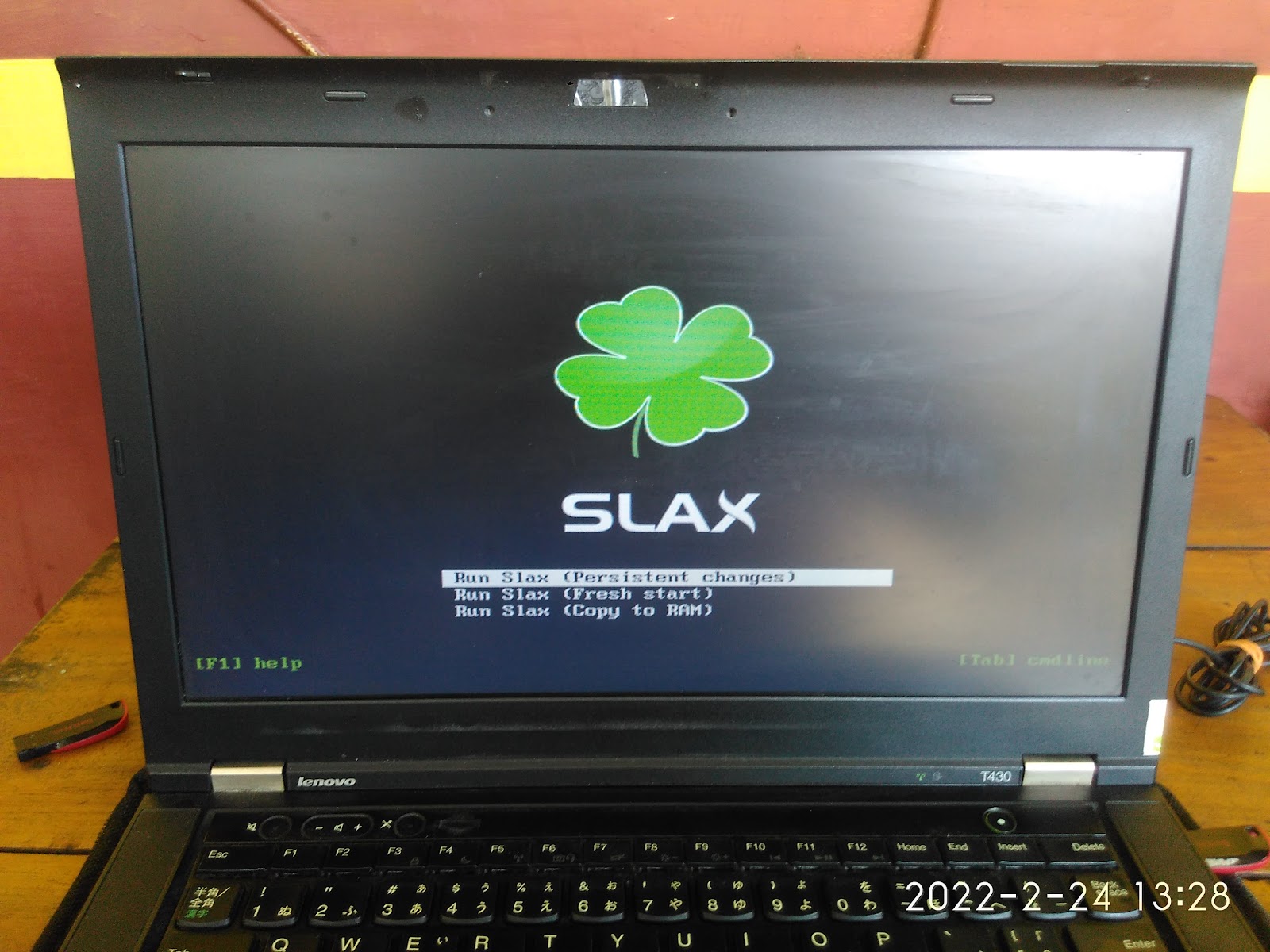
SLAX is a portable desktop operating system designed to run on removable media like USB stick. We covered it yesterday in a short review. However, we didn't make it clear how to make its bootable media. It's different to Ubuntu and another standard GNU/Linux distros in the making of its bootable as we cannot use image writing utilities like Rufus or Unetbootin. For that purpose, now we share with you how to make it from start to finish.
Subscribe to UbuntuBuzz Telegram Channel to get article updates.


