

Showing posts with label what to do after. Show all posts

This article suggests you several useful things to do after we finished the installation of Kubuntu 24.04 LTS "Noble Numbat". We have collected for you recommended hardware brands and printers, software applications, games, browser addons, useful adjustments, widgets and shortcuts to add, and several more. We present this to all GNU/Linux users. Finally, we hope this helps you get better daily life with Kubuntu. Let's start reading and happy friendly computing!


Subscribe to UbuntuBuzz Telegram Channel to get article updates.

 This is a collection of useful tutorials and suggestions for new users of Ubuntu 24.04 LTS "Noble Numbat" working with their new computer system. We compiled for you simple tips and tricks easy to follow with some examples and recommendations such as how to begin your journey with Files and installing apps like Telegram Desktop including games and many other fun things. Now let's start reading and wish you luck!

Subscribe to UbuntuBuzz Telegram Channel to get article updates.

This is a compilation of useful suggestions, quick guide for you to do for the first time after installing your computer with Ubuntu 23.10 Mantic Minotaur. This is part of our traditional series continuing Jammy Jellyfish, Kinetic Kudu and lastly Lunar Lobster and we worked hard to make them easy for beginners to follow. We hope this will help you a lot.


Subscribe to UbuntuBuzz Telegram Channel to get article updates.

This tutorial will help you with our practical suggestions about what to do after installing Trisquel 11 on your computer and laptop. This is intended mainly for beginner users especially those new in GNU/Linux world. Lastly, we wish easy computing for you with software freedom. Now let's practice.


Subscribe to UbuntuBuzz Telegram Channel to get article updates.
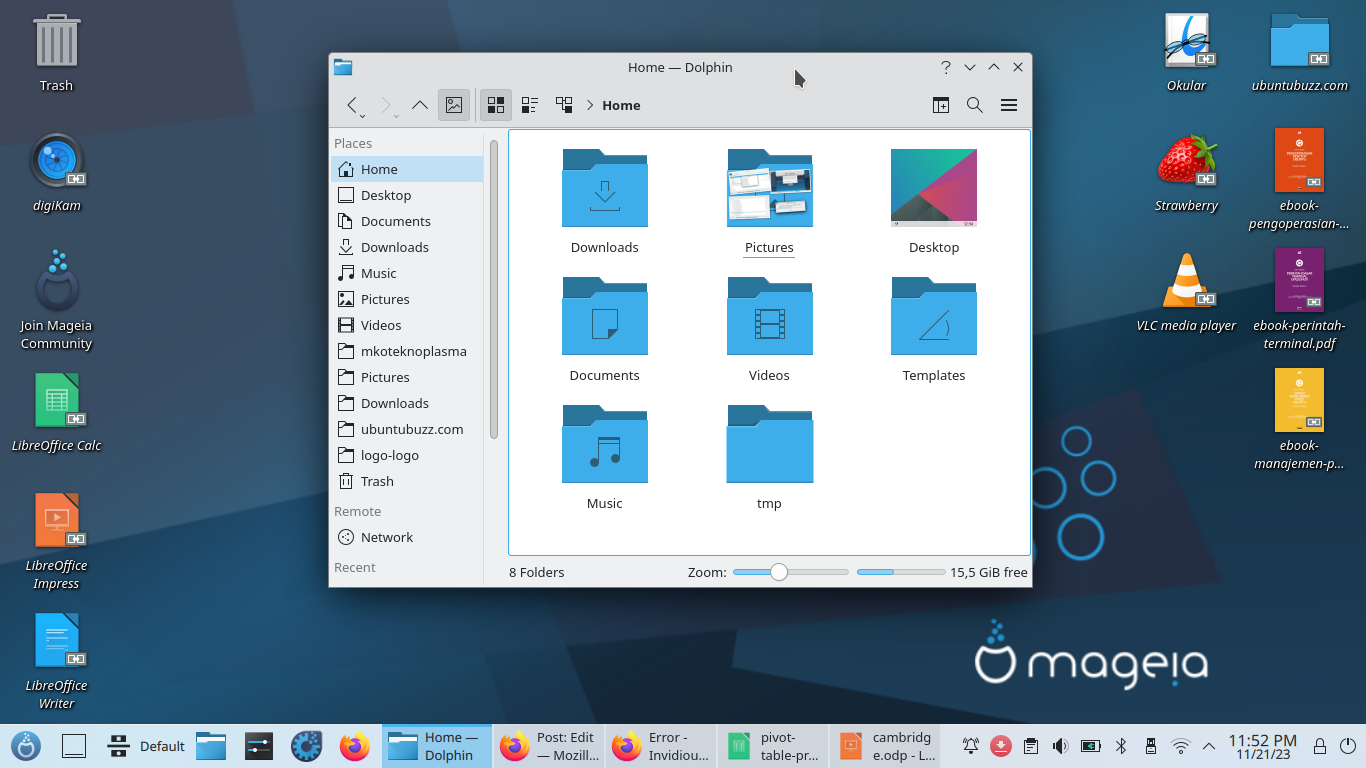
What to do after installing Mageia 9 to your computer or laptop? In case you need some advises, we have here a compilation of easy to practice tips and tricks for new Mageia users. We also linked them with some compilation of tutorials so you can be productive with LibreOffice for school and work. Congratulations for using Mageia GNU/Linux in your computing and please continue reading!


Subscribe to UbuntuBuzz Telegram Channel to get article updates.

This advisory tutorial will help your first time using your computer powered with Debian 12. This tutorial complements our previous Debian 12 GNOME Install Guide we practiced together. We compiled five simple tips and tricks below for you. Happy working with Debian!


Subscribe to UbuntuBuzz Telegram Channel to get article updates.

This is a collection of useful suggestions, tips and tricks for you to do for the first time after installing your computer with Ubuntu 23.04. We have been traditionally published similar collections like this with Jammy Jellyfish, Kinetic Kudu and now Lunar Lobster and we worked hard to make them easy for beginners to follow. We hope this will help you a lot.


Subscribe to UbuntuBuzz Telegram Channel to get article updates.

This is our traditional tutorial, tips and tricks for computer users who finished Fedora Workstation 38 installation. 


Subscribe to UbuntuBuzz Telegram Channel to get article updates.

This advisory tutorial containing apps, games and settings recommendation will help you having first steps to do after installing/upgrading your computer to Ubuntu 22.10 Kinetic Kudu. Let's find your convenience!
 
Subscribe to UbuntuBuzz Telegram Channel to get article updates.

This article suggests several traditional things to do after we finished the installation of Kubuntu 22.04 with KDE Plasma 5.24. We have collected for you recommended printers, software applications, games, browser addons, adjustments, widgets and shortcuts to add, and several more. We hope this helps. Happy friendly computing!

Subscribe to UbuntuBuzz Telegram Channel to get article updates.
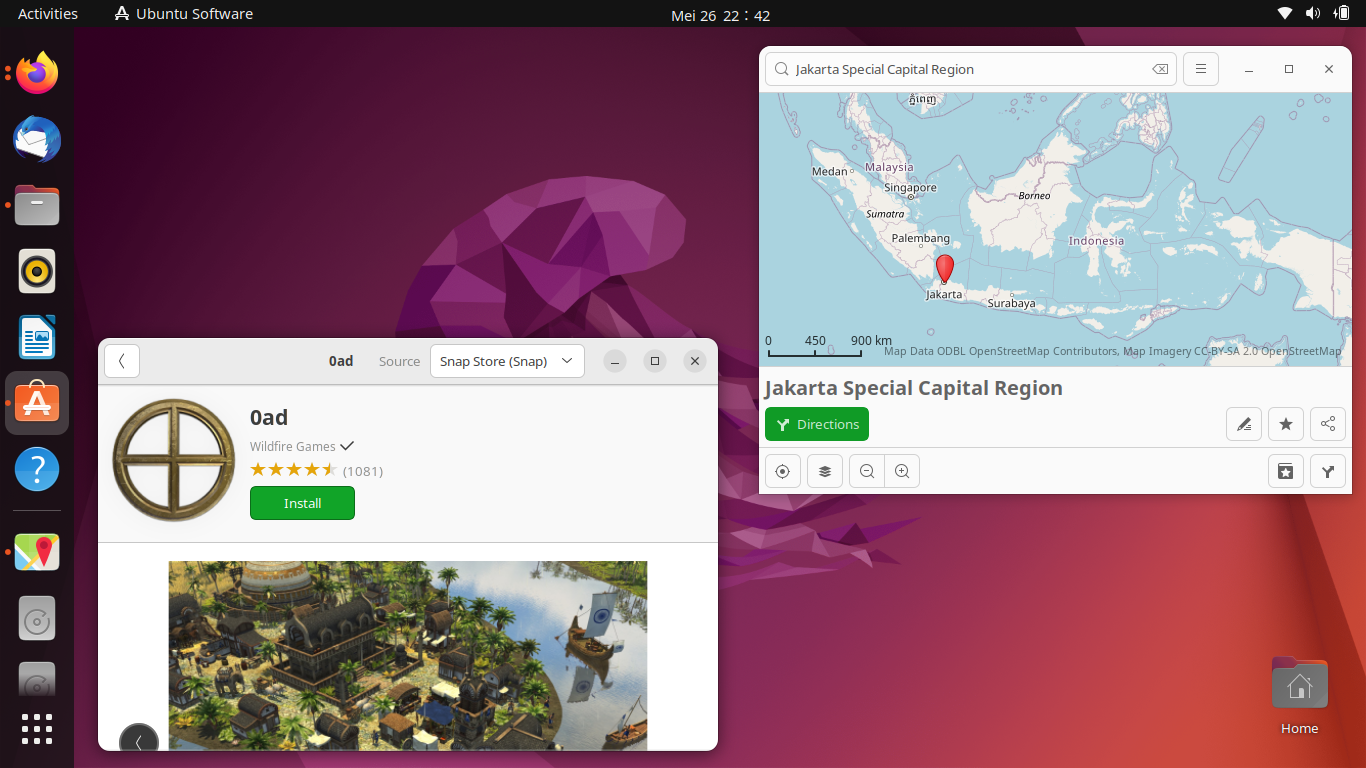
Welcome Ubuntu 22.04 and congratulations to the user community in every country! And now this is the traditional what to do after installing Jammy Jellyfish we'd love to present to everybody. We hope this helps you a lot!

Subscribe to UbuntuBuzz Telegram Channel to get article updates.

Ubuntu 21.10, the latest release of the most popular desktop operating system from the GNU/Linux community, has been released this October and you perhaps have the system already on your computer. Once installed, you might want to know what to do after that for your daily purposes, with several configurations, additional apps and games. Enjoy Ubuntu computing!


This article recommends Debian 11 users after-installation tips and tricks including simple guide to get additional useful applications. For new Debian users, this article is for you. Let's check it out.

Subscribe to UbuntuBuzz Telegram Channel to get article updates.

This is a recommendation for new elementary OS users who just had version 6 codenamed Odin. It includes apps, settings, and some enhancements you would and might need. Enjoy elementary OS experience!
Subscribe to UbuntuBuzz Telegram Channel to get article updates.

Continuing the downloads, now here's our traditional What To Do article for OpenMandriva Lx 4.2 (made easy for Ubuntu users). This includes how to install more software, setup several stuff on the desktop, and getting started to the Control Center. I wish you really enjoy this!

Subscribe to UbuntuBuzz Telegram Channel to get article updates.

Continuing our Fedora articles (click here and here), now here is our traditional list of tips & tricks to begin with Fedora after installing it to our computer but with the point of view of an Ubuntu user. Currently, we are having Fedora version 32 to Rawhide, ranging between versions 3.38 to 40 of its GNOME desktop, and these are applicable to any of them and hopefully in the future versions as well. Okay, now let's try Fedora together and go!

Subscribe to UbuntuBuzz Telegram Channel to get article updates.

This is the traditional beginner's guide for you who have his/her Kubuntu computer updated, this time, to the version 20.10 codenamed Groovy Gorilla. In this version several new things added such as the Network Speed widget and the ability to have Metered Connections you can adjust with this short tutorial. Okay, now let's explore!

Subscribe to UbuntuBuzz Telegram Channel to get article updates.

This is the traditional suggestions list for everyone having new computer with Kubuntu operating system. It is intended for version 20.04 LTS Focal Fossa right now. This includes tips and tricks about adjusting your battery management, desktop conveniences, apps recommendation, and more. I wish you enjoy friendly computing with Kubuntu by reading this. Let's go!
Subscribe to UbuntuBuzz Telegram Channel to get article updates.


After Ubuntu 20.04 released and you installed it, here is the list of suggestions to do from UbuntuBuzz.com. You will find here five sections discussing activities around Ubuntu system using only built-in applications; they are: taking care about visual, settings, remote desktop, applications, and Official Flavors. All pictures below are in high resolution albeit they might look small so click one to display it in full size. I tried several things different at this chance and I hope this traditional article helps everyone getting started with Ubuntu. Cheers!

(Enjoy Focal Fossa even in the time of Corona)
Subscribe to UbuntuBuzz Telegram Channel to get article updates directly.

(Eoan Ermine with CPU-X and Nautilus running nicely)

In this traditional article special for Ubuntu 19.10 Eoan Ermine you will find my suggestions and recommendations in 3 parts, work (including date/time adjustments, productivity tools), non-work (including extensions, podcasts, RSS, codecs), and system maintenance (including CPU-X, repository setup, auto-backup). I also have suggestion for you wanting Global Menu on this Eoan Ermine OS at the end. Adjust it once and use freely everyday. Finally, I hope Ubuntu 19.10 will be your best tool you could imagine to use without worry. Happy working!

Subscribe to UbuntuBuzz Telegram Channel to get article updates directly.