Showing posts with label games recommendation. Show all posts

Tux Typing (or tuxtype) is free software education game designed for kids to learn keyboard typing and English vocabularies by playing. As part of The Tux4Kids Project, Tux Typing is a sibling to Tux Math, a similar education game but for studying mathematics. All in all, let's start enjoying it!


Subscribe to UbuntuBuzz Telegram Channel to get article updates.
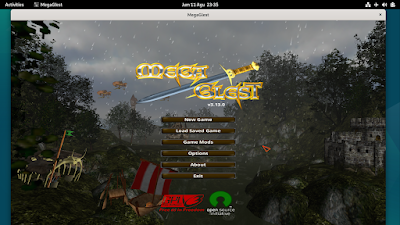
We collected ten games you can play on Debian 12 Bookworm GNU/Linux. They are all native games provided by Debian themselves and they are free software. You can immediately install and play these games by following command lines we provided under each one below. As a premiere bonus, we can also learn a lot of lessons about free software community so you can spread education about free software by playing with students at your school or friends at your office. Now choose your game and let's play!

Subscribe to UbuntuBuzz Telegram Channel to get article updates.
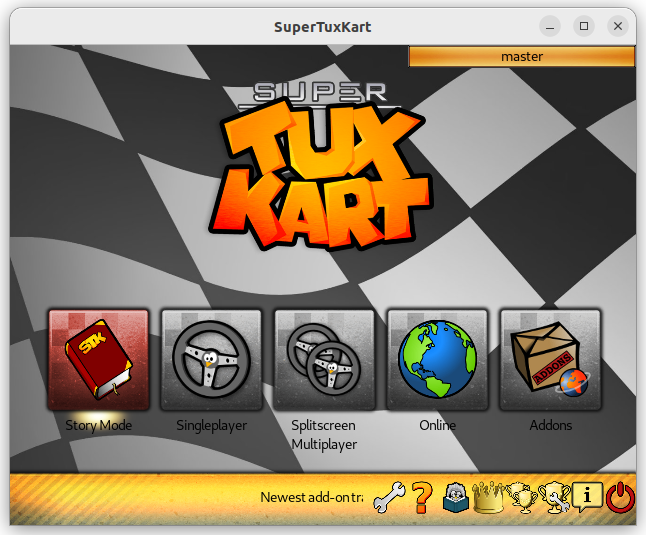
This list will help you recognize, get and play FOSS games on Ubuntu. By FOSS we mean no Valve Steam, only Free/Libre Open Source Software ones. Among them are widely known such as Freedoom and Super Tux Kart, and some of them also need more introduction such as Speed Dreams and Tux Math. Most of them can be added to Ubuntu via Software. We include both categories of educational and recreational ones here. This compilation is hoped to be helpful for teachers in teaching computing with FOSS including the games. Happy reading!
 
 
Subscribe to UbuntuBuzz Telegram Channel to get article updates.

This advisory tutorial containing apps, games and settings recommendation will help you having first steps to do after installing/upgrading your computer to Ubuntu 22.10 Kinetic Kudu. Let's find your convenience!
 
Subscribe to UbuntuBuzz Telegram Channel to get article updates.