Showing posts with label lubuntu. Show all posts

Congratulations to Canonical for the release of Ubuntu 24.10 "Oracular Oriole" on Thursday 10 October 2024! We happily welcome the latest, greatest Free/Libre Open Source Software and Technology coming with Ubuntu Oracular! In this listing, we collected the download links, mirrors and torrents as well as checksums of all Official Flavors. We also completed it with links to the Announcements and Release Notes from each official project and we hope you experience the best computing and community with the Ubuntu family.


Subscribe to UbuntuBuzz Telegram Channel to get article updates.

This is a full list of all Lubuntu default applications (or list of Lubuntu components) with their explanations for first time users. Lubuntu is the official variant of Ubuntu with LXDE as the technology of the desktop environment and default applications. This list is sorted alphabetically with app names taken from menu for example Discover, FeatherPad and PCManFM. You can learn your Lubuntu computer a lot here as you see every app name, its purpose, short guide to use, and some pictures of them. This guide is based on version 22.04 also known as Jammy Jellyfish which can represents all modern Lubuntu versions. Let's read. We wish you'll love it!


Subscribe to UbuntuBuzz Telegram Channel to get article updates.

Congratulations to Canonical Ltd. and Free Software community for the release of Ubuntu 23.10 Mantic Minotaur! It is released on Thursday 12 October 2023 or simply six months after the previous version 23.04 on April. We presented here a compilation of all download links including the Official Flavors, mirrors, and torrents. Let's download and empower our computer, laptop and server with Ubuntu.


Subscribe to UbuntuBuzz Telegram Channel to get article updates.
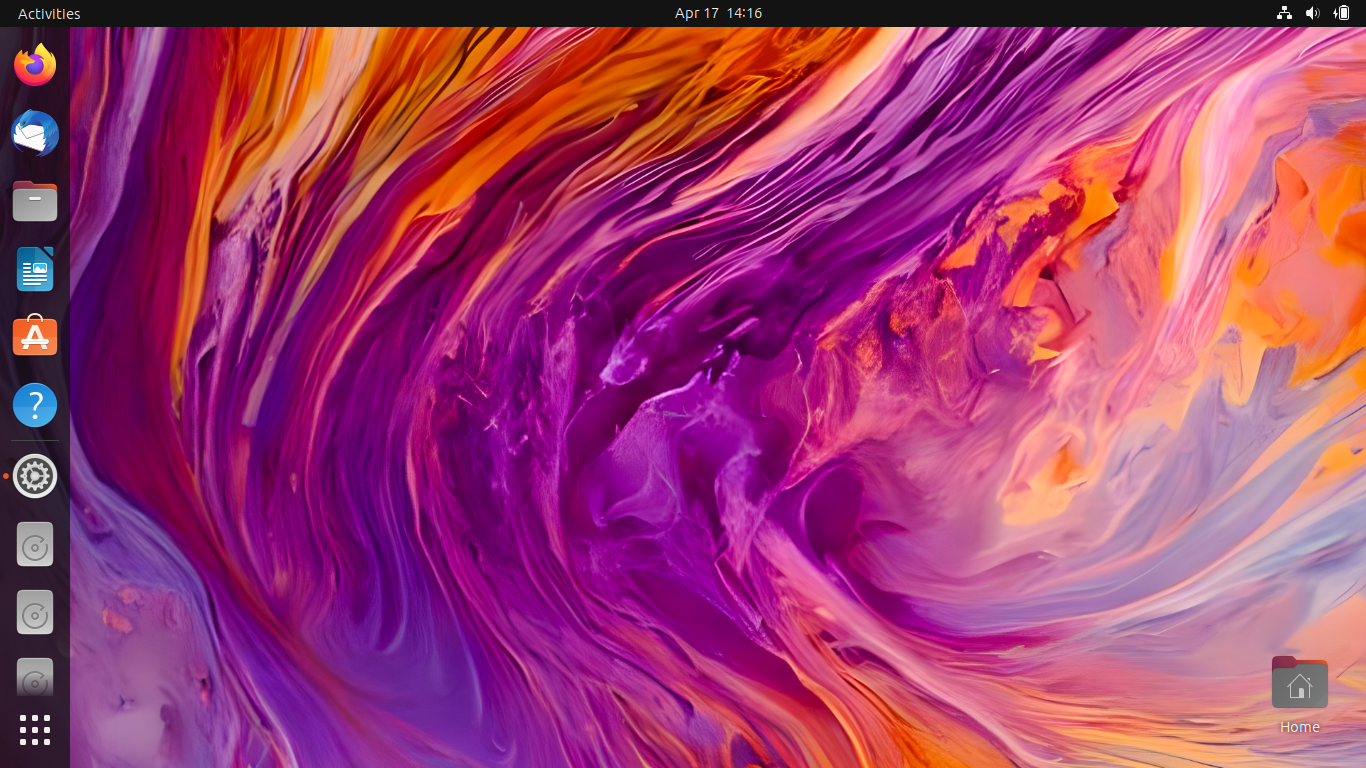
Ubuntu 23.04 Lunar Lobster is here! Congratulations to all computer users especially Ubuntu community as Canonical releases Lunar Lobster on Thursday, 20 April 2022. This is a regular release with 9-month support that comes with a lot of new technologies. Continuing the surprise of Ubuntu Unity in the previous release Kinetic Kudu, in this release we are surprised by the official introduction of two flavors Cinnamon, the user friendly interface flagship of the famous Linux Mint, and Edubuntu, the revival of the school-oriented operating system. In this article, you will be able to download Ubuntu 23.04 and all official flavors to later install one into your desktop PC, laptop, and server. Happy downloading!


Subscribe to UbuntuBuzz Telegram Channel to get article updates.


Following installation guide and review, this is the traditional compilation of suggestions after having a fresh Lubuntu 18.10 --the first LXQt edition--. You will notice the first thing here is about network manager as this new edition lacks nice feature on that. Five more things are about some nice tweakings in the file manager and the user interface. As generally Lubuntu is for old computers, you will be happy to have legacy Microsoft Windows theme, won't you? Go ahead, tweak once and use forever!

Subscribe to UbuntuBuzz Telegram Channel to get article updates directly.

 
This is a compilation of download information of user guide books of Ubuntu and the 5 Official Flavors (Kubuntu, Xubuntu, Lubuntu, Ubuntu MATE, and Ubuntu Studio). You can find either complete user guides (even for server edition), installation guide, or tutorials compilation; either in PDF or HTML format; plus where to purchase two official ebooks of Ubuntu MATE. On the end of this tutorial, I included how to download the HTML-only documentation so you can read it completely offline. I hope you will find all of books useful and you can print them out yourself. Get the books, print them, share with your friends, read and learn Ubuntu All Flavors.

Subscribe to UbuntuBuzz Telegram Channel to get article updates directly.


This is a review comparing two versions of Lubuntu, 18.04 LTS with LXDE and 18.10 with LXQt. It's about Bionic Beaver and Cosmic Cuttlefish. This means this is the last review of Lubuntu with LXDE. You will find here how they differ in cases of appearance, default applications set, file manager, network manager, package manager, and so on. Very fortunate for us that both version (and even next version Disco Dingo) keep supporting 32-bit architecture so we can still use any of them on our oldest PCs or Macintosh possible. They're only between +/-250 and +/-350MB in RAM usage. They're lightweight, computer-reviving, and compete operating systems worth to try. Go ahead, happy reading and happy working with Lubuntu!

Subscribe to UbuntuBuzz Telegram Channel to get article updates directly.


This tutorial explains step by step to install Lubuntu 18.10 "Cosmic Cuttlefish". It's available for both 32-bit and 64-bit architectures. This is the first edition ever comes with LXQt Desktop Environment and also Calamares System Installer. This means Lubuntu Cosmic will have a slightly different steps to install as it does not use Ubiquity anymore. You will prepare two blank partitions, and one more if your computer initialization system is UEFI (not BIOS), and go through 10 steps until all finished. Happy working, enjoy Lubuntu LXQt!

Subscribe to UbuntuBuzz Telegram Channel to get article updates directly.


The final beta (aka beta 2) of Lubuntu 18.04 is available. In this short review you will see things I've got after freshly installed it on my laptop: it runs only about 230MiB of RAM at idle, new wallpaper, latest GNOME Software, latest document editor programs (Abiword & Gnumeric) and applications. See here what you could expect from Lubuntu at the later final release this April 26, 2018.

Subscribe to UbuntuBuzz Telegram Channel to get article updates directly.


Lubuntu uses LXDE as desktop environment and Openbox as window manager. By default, Super Key (a key between Ctrl and Alt) cannot be used to open desktop menu, and this behavior is maybe uncomfortable for former Windows users. Fortunately, we can bind Super Key to open desktop menu by a little editing to a config file.

Subscribe to UbuntuBuzz Telegram Channel to get article updates directly.


This tutorial explains setup Gmail on Sylpheed Mail Client using IMAP mode. Sylpheed is a very user-friendly mail client, so easy so you can setup Gmail only in 1 minute. Sylpheed is default mail client on Lubuntu, so this article is mainly for Lubuntu users (and of course all Sylpheed users). It's easy and simple.

Subscribe to UbuntuBuzz Telegram Channel to get article updates directly.


This is a review for Lubuntu 17.04, the ultra-lightweight and energy-saving desktop OS which is complete and user friendly. It features daily desktop apps including full multimedia support (MP3/WEBM) and provides more than 70000 software packages on official repo, instantly ready to use for desktop PC and laptop users. You can run Lubuntu mainly to revive old computers or to replace any resource-hungry OS. It's amazing to see a full-power desktop OS as lightweight as Lubuntu on 2017! Finally, I hope this review helps you to choose Lubuntu for all your computers.

Subscribe to UbuntuBuzz Telegram Channel to get article updates directly.


This tutorial explains how to install Lubuntu 17.04 in step-by-step. You will prepare 2 partitions, one main and (optionally) one swap, for at least 20GB and 1GB respectively. You can use USB flash drive or DVD as the bootable media. Generally, you can use this tutorial for both singleboot and dualboot modes. So let's install and enjoy this lightweight, secure, and free OS Lubuntu 17.04.

Subscribe to UbuntuBuzz Telegram Channel to get article updates directly.

After Thunar, we come with PCManFM. This is the LXDE file manager. You'll find PCManFM in Lubuntu. PCManFM is a very lightweight file manager yet powerful. It has search facility, something Thunar doesn't. It has F3 Split View also, something Nautilus doesn't anymore. And just like another file managers available in Linux, it has multitab feature. We hope this article helps anyone using Lubuntu or any LXDE based Linux everywhere. Enjoy.