Showing posts with label microsoft office alternative. Show all posts

This tutorial will help you to get LibreOffice 7.6 on Ubuntu side-by-side with and without removing the preinstalled version. We offer several ways you may choose to do so. It can be practiced to any one of Official Flavors like Kubuntu and Lubuntu, as well as derivatives like Elementary and Zorin. Now let's practice that.


Subscribe to UbuntuBuzz Telegram Channel to get article updates.

This tutorial will help you configure font replacements on LibreOffice. This means the computer will automatically replace a font in an opened document with an existing font on your Ubuntu system, for example, replacing Times New Roman with a very identical font like FreeSerif. This is useful for teachers and students in increasing document compatibility/readability for themselves. This is applicable for all application suites including Writer, Calc and Impress. See also a companion of this article List of Alternative Fonts to know more and download them. Now let's take care of it.

Subscribe to UbuntuBuzz Telegram Channel to get article updates.

LibreOffice 7.5 released Thursday 2 February 2023. This free libre and open source office suite is now available for all computer users especially those who use GNU/Linux, Microsoft Windows and Apple MacOS. It brings out a lot of improvements and new features, and among them, visual identities. Thank you to all the developers and contributors. Congratulations to the whole LibreOffice Community!

(Writer, Calc and Impress 7.5 opening two documents from the official Press Kit)

Subscribe to UbuntuBuzz Telegram Channel to get article updates.
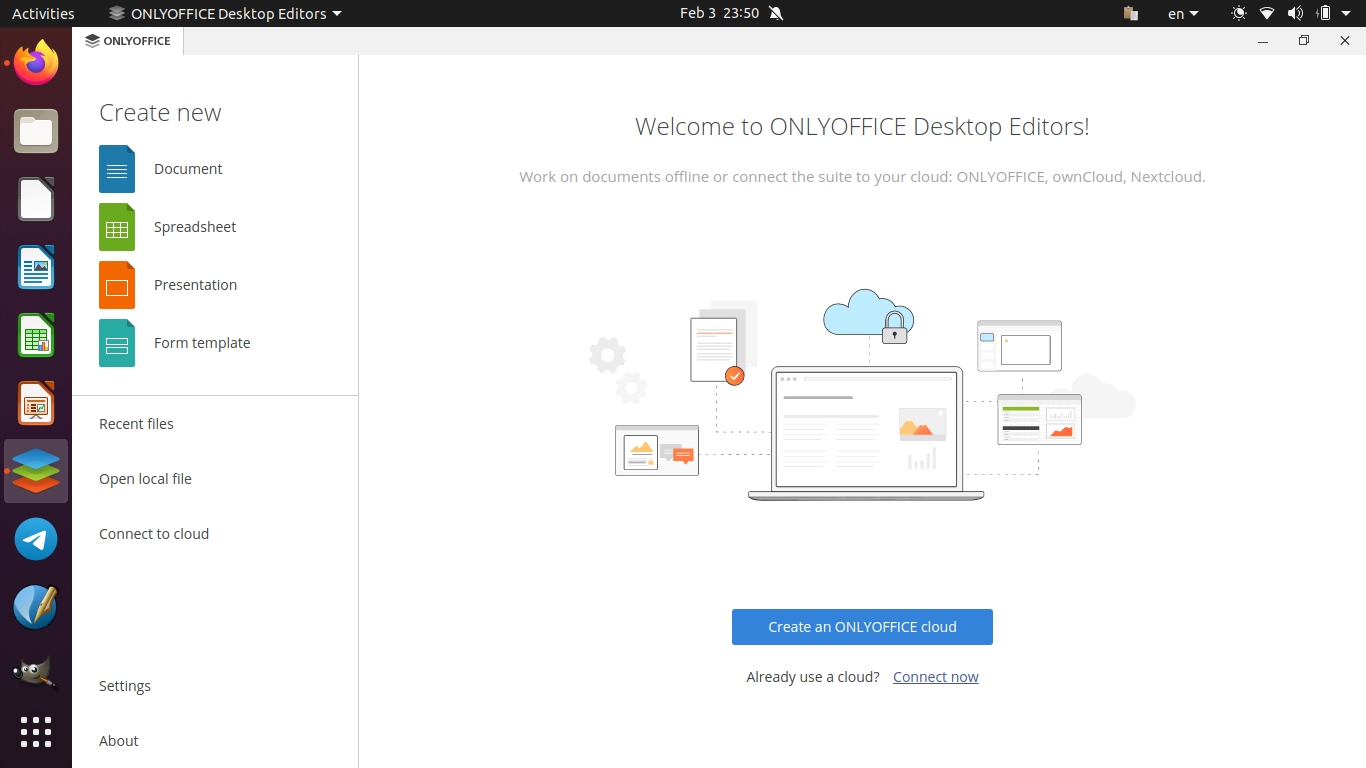
This tutorial will help you to add version 7.3 of OnlyOffice Desktop Editor to your Ubuntu computer. You can do it easily using Ubuntu Software or alternatively Terminal. Happy writing!


Subscribe to UbuntuBuzz Telegram Channel to get article updates.

This tutorial explains the horizontal variant of vlookup formula, called HLOOKUP, on LibreOffice Calc. We will learn first about data transposing, then manipulating it with the formula. As a reminder, if you haven't followed this LibreOffice Calc series, read the first and second parts here. Now let's try.

Subscribe to UbuntuBuzz Telegram Channel to get article updates.

This tutorial will guide you through installation of OnlyOffice version 7 and later on Ubuntu Desktop. OnlyOffice is a GNU AGPL licensed, alternative to LibreOffice and Microsoft Office, which is full featured, beautiful looking and cross-platform. We will install it on Ubuntu 22.04 "Jammy Jellyfish" on this exercise. 


Subscribe to UbuntuBuzz Telegram Channel to get article updates.