Showing posts with label college. Show all posts

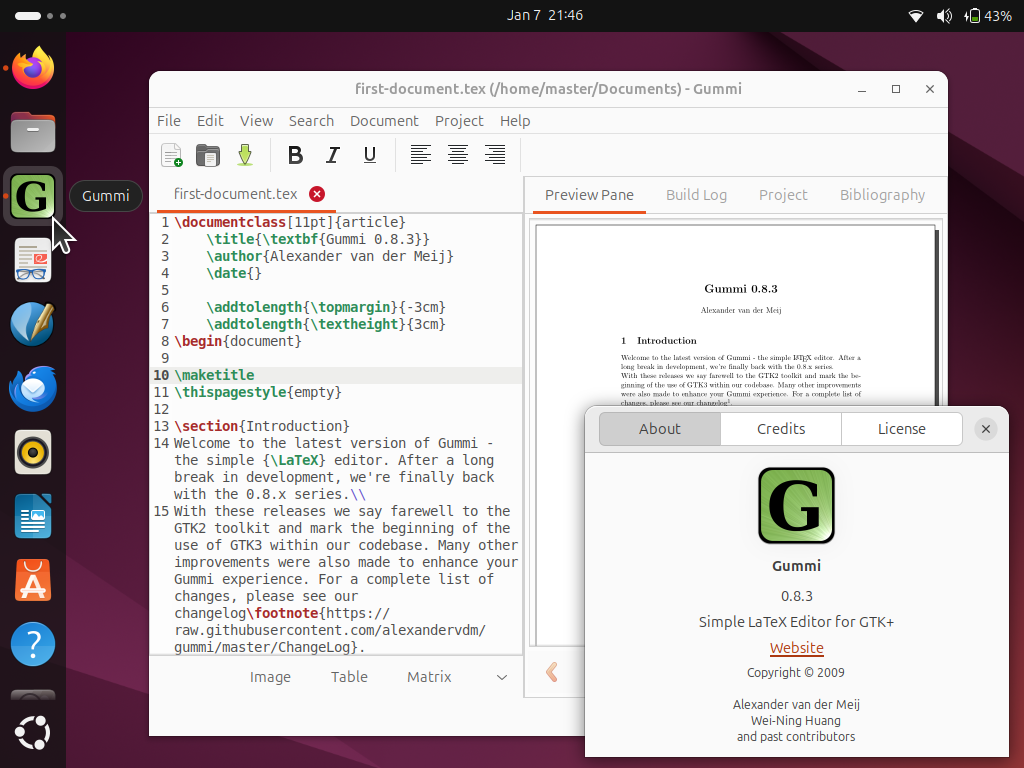
This tutorial will help you start learning about LaTeX, the standard of writing beautiful academic and scientific texts, very quickly on your Ubuntu computer. We will start writing LaTeX documents using Gummi Editor program known to be very easy to use for beginners and powered with a preview panel. This tutorial is suitable to Ubuntu 24.04 "Noble Numbat" and later versions. Finally, we wish you the best experience and beautiful writings!


Subscribe to UbuntuBuzz Telegram Channel to get article updates.
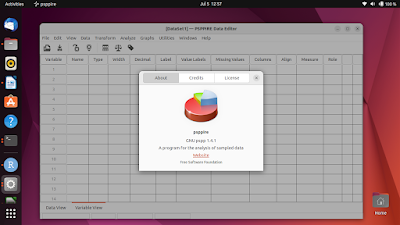
For students and academic people who use Ubuntu, especially those who meet statistics, you will likely ask for IBM SPSS alternatives that run on Ubuntu. There are several Free and Open Source software packages for statistical analysis available and they can help you switch from SPSS, Excel or SAS. Descriptive, ANOVA, Bayesian and other analysis methods are supported built-in. By this article we want to introduce LibreOffice Calc, GNU R, JASP and Jamovi.

Subscribe to UbuntuBuzz Telegram Channel to get article updates.


This is my list of GNU/Linux tools for academic, educational, and research purposes which all are free software. I tried to pick up choices as simple as possible here just to represent every basic category and further I hope you could see more alternatives if you want. I also listed several specific tools like GNU Octave and Parallel which are proven to be useful for certain researches. On the other hand, I deliberately did not list LaTeX tools here as I already chosen LibreOffice for that category. I made every proprietary software name italicized here so you can spot them on easier. Happy researching!

Subscribe to UbuntuBuzz Telegram Channel to get article updates directly.

Those who use Ubuntu in internet-restricted area such as college or office, probably will need proxy configuration for their apt-get command. Especially in the college, when every student given username and password for campus proxy to connect to the internet. Actually we just need to configure proxy or with/without authentication in apt.conf file. Here we go.