Showing posts with label gummi editor. Show all posts

After successfully creating a sample LaTeX document in the previous tutorial, now we will try to understand the document structure in LaTeX with our Gummi Editor. We will learn, with pictures and examples, about sections (or similar to "headings" according to LibreOffice Writer) and basically how a document is organized. Now let's start our exercise!  


Subscribe to UbuntuBuzz Telegram Channel to get article updates.

This tutorial will help you make your first document by writing one page article in LaTeX using Gummi Editor part of our ongoing Gummi+LaTeX series in The Ubuntu Buzz. We intend this to students (and any other people) who begin their academic writings using LaTeX --the standard typesetting of academic world-- for their first time. Finally, you will also be able to download sample text below to make your exercise easier. Now let's start it!


Subscribe to UbuntuBuzz Telegram Channel to get article updates.

After we finished installing it, now this tutorial will explain the user interface of Gummi LaTeX editor. We will explain the six parts of its window including the purposes of their contents in simple yet easy to understand way. This knowledge will be useful when you start writing LaTeX documents later. Now feel free to start reading!


Subscribe to UbuntuBuzz Telegram Channel to get article updates.
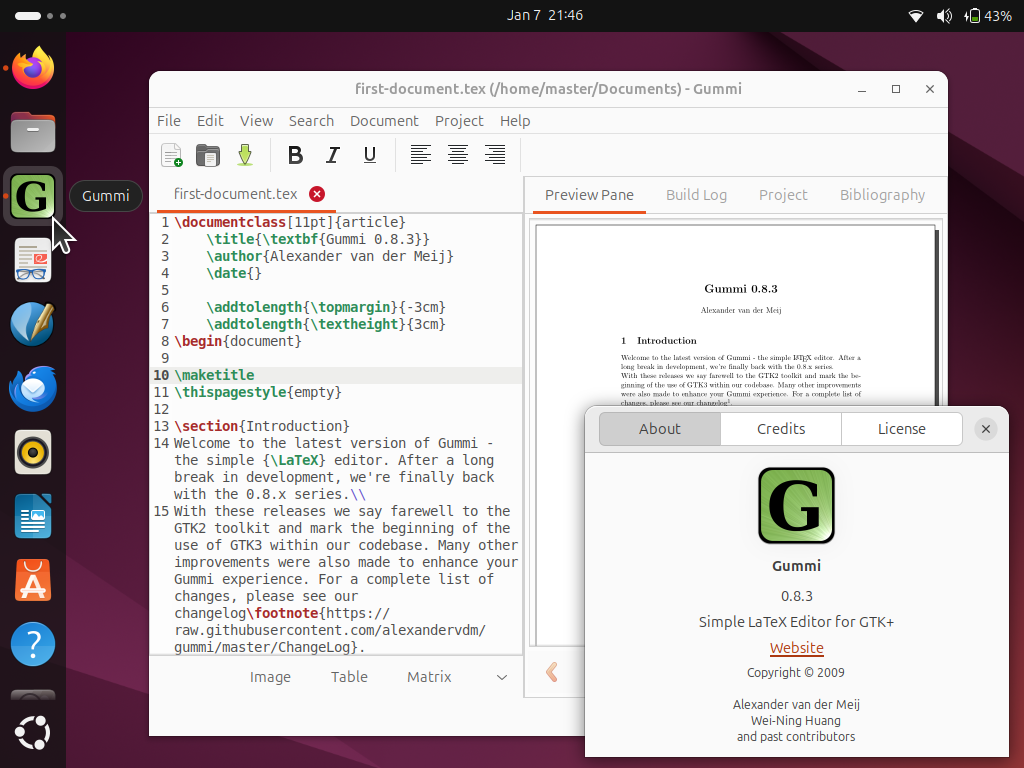
This tutorial will help you start learning about LaTeX, the standard of writing beautiful academic and scientific texts, very quickly on your Ubuntu computer. We will start writing LaTeX documents using Gummi Editor program known to be very easy to use for beginners and powered with a preview panel. This tutorial is suitable to Ubuntu 24.04 "Noble Numbat" and later versions. Finally, we wish you the best experience and beautiful writings!


Subscribe to UbuntuBuzz Telegram Channel to get article updates.