

Showing posts with label mail merge. Show all posts

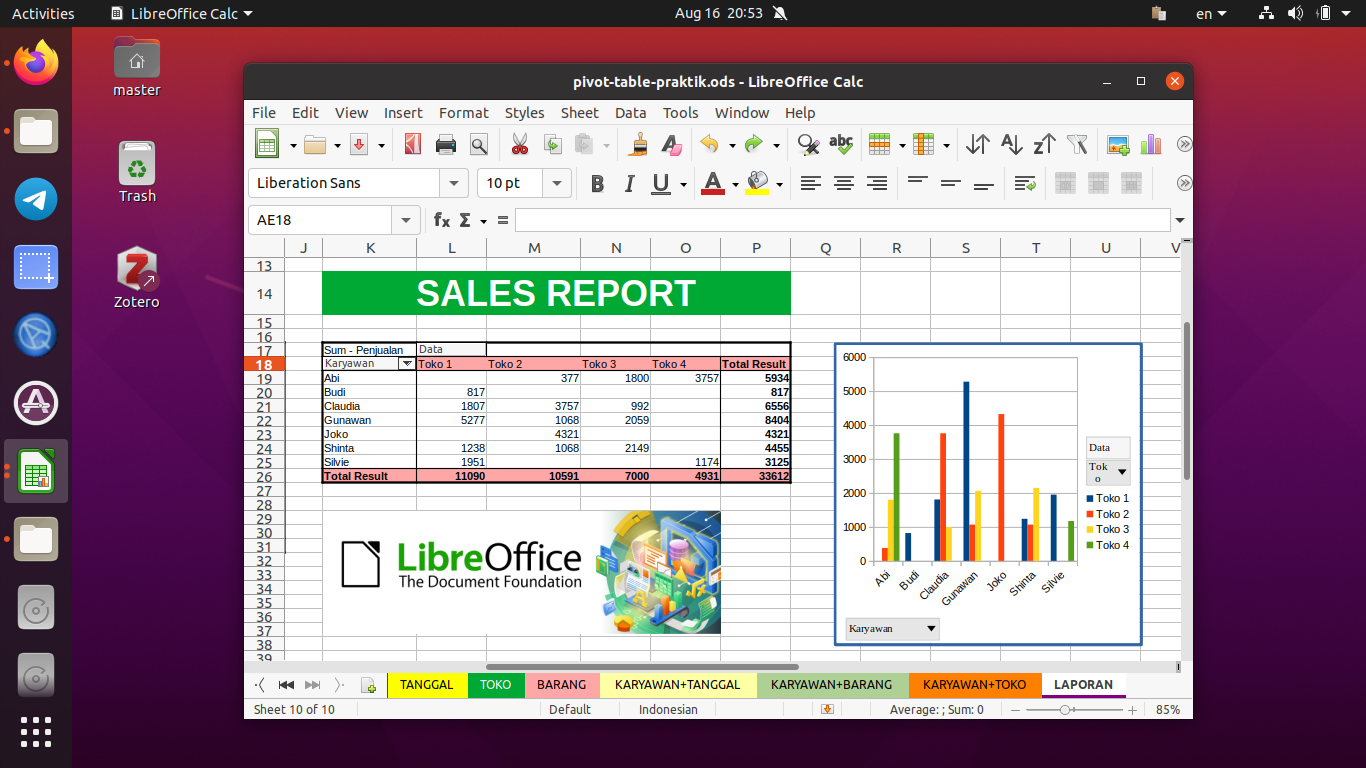
This collection of tutorials will help you learn LibreOffice Calc like Microsoft Excel. We published these gradually since 2022 and is still continuing. We hope these helps you all regardless your occupation being a student, a teacher or a worker. Happy studying!

Subscribe to UbuntuBuzz Telegram Channel to get article updates.

This tutorial will explain designing with Inkscape Vector Graphics Editor to create multiple cards with different names and photos. You will need NextGenerator extension to practice this. This is useful to people who work at  office, as event organizer, or simply want to create similar thing. We tried our best to make this easy for you to exercise with funny examples. Happy drawing!


Subscribe to UbuntuBuzz Telegram Channel to get article updates.
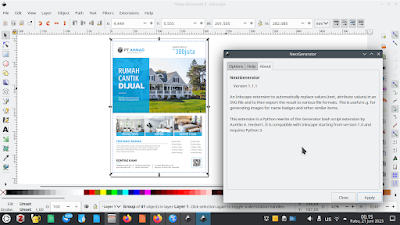
This tutorial will help you add mail merge features to Inkscape by using NextGenerator extension. Its purpose is to automatically generate items like cards intended for different recipients with different photos, colors and more. Licensed under GNU GPL just like Inkscape, it is historically a successor to an extension named InkGenerator. Now let's do it.


Subscribe to UbuntuBuzz Telegram Channel to get article updates.
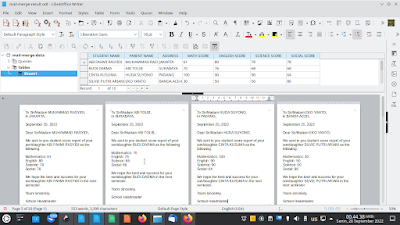
This tutorial will help you to create mail merge with LibreOffice explained step by step with pictures and examples. Mail merge is a method of making stuffs consisted of multiple personalized copies like official letters, invitations, envelops, identity cards, student score reports etc. using word processor, spreadsheet and database. Finally, in this exercise we will make school letters for students' parents as an example so you can practice and then adapt it to your own needs. Let's study now!


Subscribe to UbuntuBuzz Telegram Channel to get article updates.