Showing posts with label flash disk drive. Show all posts

This tutorial will help you setup Mageia 9 GNU/Linux (released 2023) on your computer or laptop with method choices including dualboot, UEFI with Windows or macOS and external disk drive. We will begin with requirements first and finish in eigth steps in under one hour. We wish you good luck. Now let's start it!

Subscribe to UbuntuBuzz Telegram Channel to get article updates.
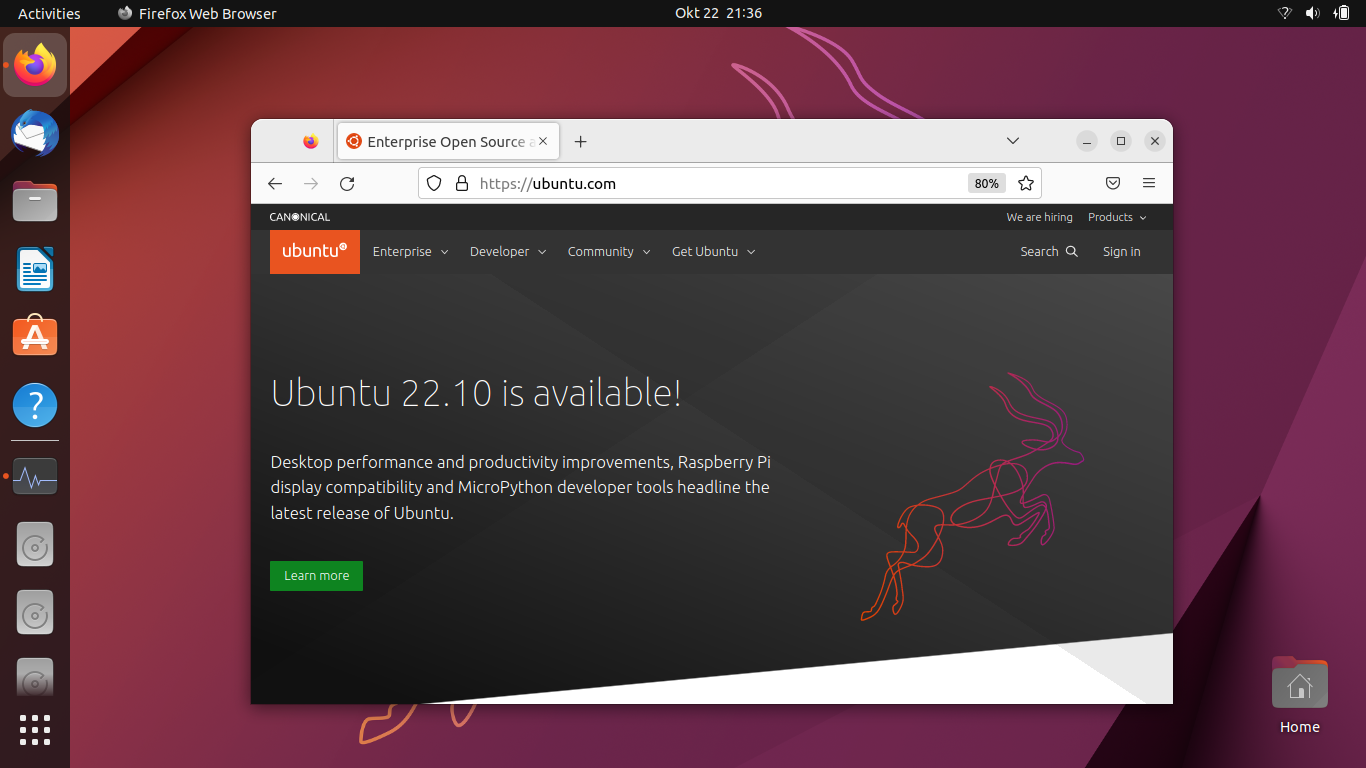

This tutorial will help you install Ubuntu 22.10 operating system into your computer explained with pictures step by step. Codenamed Kinetic Kudu, it is the latest version of Ubuntu, the world most popular OS from the FOSS community. By reading this tutorial, you will be able to install Ubuntu into you PC and laptop in easy and safe ways without worry of accidentally deleting data. Now let's exercise and happy installing! 

Subscribe to UbuntuBuzz Telegram Channel to get article updates.

This tutorial will explain how to install Ubuntu 21.10 into your computer. The result of this tutorial is your computer will run Ubuntu operating system and can be viewed as alternative to Windows or macOS. This installation is flexible, as you may choose to install normally (to the internal hard disk) or externally (to USB flash drive or external HDD) in either BIOS Legacy-MBR or UEFI-GPT mode, for either dualboot or singleboot purpose. You will start everything by downloading the operating system itself, make required preparations, make a bootable medium, then booting and finishing the installation procedures step by step. Good luck!


Subscribe to UbuntuBuzz Telegram Channel to get article updates.

This simple tutorial will explain how you can prepare a hard disk or a USB flash drive with GUID Partition Table (GPT) technology for the purpose of operating system installation on UEFI computer. You can read this before installing a GNU/Linux distribution to your modern PC and laptop. Good luck!


Subscribe to UbuntuBuzz Telegram Channel to get article updates.

This tutorial explains how to setup Zorin OS 16 to a computer for end-users. This includes methods to install either to internal hard disk or external drive storage, even a USB Flash Drive, dualboot or singleboot, and with either UEFI-GPT or BIOS-MBR options. Please make backup  if you are dualbooting and be extra careful following every single step. Let's start!

Subscribe to UbuntuBuzz Telegram Channel to get article updates.

This tutorial explains step by step to have your computer with Trisquel 9.0. Don’t worry this is intended for beginners so everyone can try. You will prepare at least two disk partitions and going through about twenty minutes to finish it. For your information, different to Ubuntu, Trisquel supports 32 bit as well as 64 bit computers and I encourage fellow Lenovo ThinkPad owners to try it happily. You can practice this guide either normally, in dualboot mode, bios legacy and uefi, or into external storage device. Last but not least, you can also do this inside a virtual machine like AQEMU. Now let’s go!
 (Trisquel 9 computer on its installation process)
Subscribe to UbuntuBuzz Telegram Channel to get article updates.

This is a note I took based on my experience with computer failure. You can imagine worst situation when everything is closer to an end. It feels frustrating and can lead to despair. You may already found the signs that your hard disk drive, display, touchpad, USB ports, are already in worse condition. Before your machine die for sure, you can learn something from my reflections below as now mine died. It died after worked for me since 2016 almost nonstop everyday. I hope you would never experience any of my story and only got solutions and the good things if anytime things going worse.

Subscribe to UbuntuBuzz Telegram Channel to get article updates.

This tutorial explains step by step to format a USB Flash Drive with GPT technology on Ubuntu. You do not need to install additional software thanks to the built-in Disk Utility tool. Not only to flash drive, you can also apply this tutorial to hard disk and other storage media drives. I hope this could be useful for you!

(Ubuntu Disk Utility after formatting a GPT flash disk drive)

This tutorial explains step by step to format a USB Flash Drive on Ubuntu. We will use built-in tool in Ubuntu called Disk Utility. If you want to do it from Ubuntu file manager instead, feel free to go to Alternative section at the end. May you always have safe disk formatting!

Disk Utility on Ubuntu 19.04
Subscribe to UbuntuBuzz Telegram Channel to get article updates directly.