Showing posts with label qt framework. Show all posts

The Ubuntu Buzz has been covering several programming languages setup for years including C, C++, Java, Pascal, Rust, Qt, GTK and so on. This includes well known programmer text editors like Codeblocks, Eclipse, Geany, Qt Creator and so on.  Believe us, they are the kind of articles with so many of readers until today. This compilation collects all of them in one list below. We hope this will help you a lot especially when you start as student in Informatics major in the college. Happy hacking!


Subscribe to UbuntuBuzz Telegram Channel to get article updates.
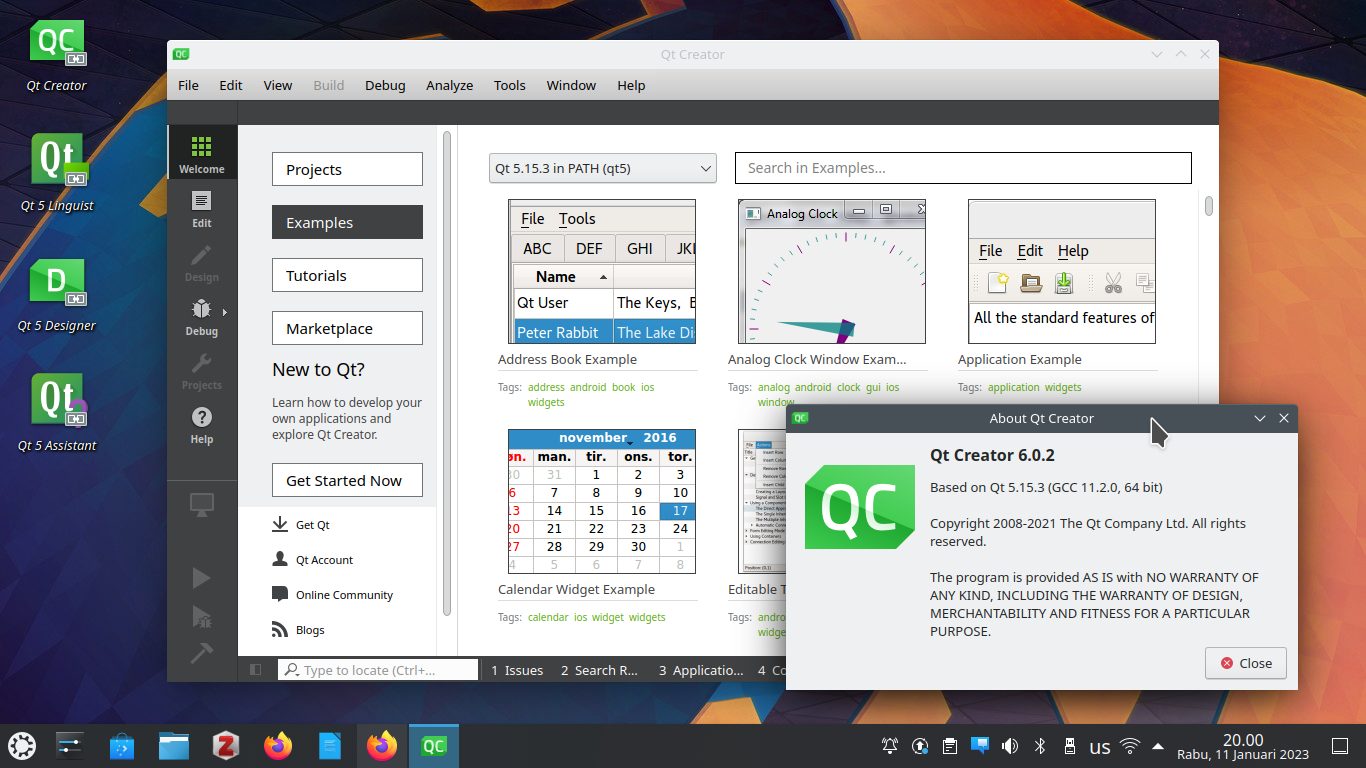
Qt Software Development Kit is a free software licensed, world-class grade full-featured programming framework and tools to create cross-platform graphical user interface applications in C++ language. Examples of great software built using Qt include Kubuntu, KDE, and Telegram. This tutorial will help you install Qt SDK on Ubuntu and Kubuntu 22.04 LTS Jammy Jellyfish. With this, you can start developing applications with a lot of code examples, drag and drop techniques, accompanied with complete the famous Qt's documentation & tutorials. Now let's setup!

Subscribe to UbuntuBuzz Telegram Channel to get article updates.

This tutorial explains how to install a full Qt Software Development Kit with C++ programming language on Parabola and Hyperbola GNU/Linux systems. If you have installed either one system with either KDE Plasma or GNOME Desktop, you are ready to go.

Subscribe to UbuntuBuzz Telegram Channel to get article updates.

This tutorial explains how someone can setup C++ language and Qt Software Development Kit on Ubuntu 21.10 for doing software development that is world-class, full-featured, complete and crossplatform under free software licenses. For your information, Qt is the material that built professional computing software like Kubuntu, KDE and Telegram. With this tutorial you will get a full set of tools ready to use consisted of an advanced IDE Qt Creator, a GUI editor Qt Designer, a lot of code examples Qt Examples, an internationalization tool Qt Linguist and a documentation viewer Qt Assistant aside from the compiler G++ and the build tool QMake. Let's start!

Subscribe to UbuntuBuzz Telegram Channel to get article updates.


I encountered these two issues on Neon GNU/Linux with KDE Plasma 5.10.3 on Qt Creator 4.3.0 & Qt Framework 5.9. When I installed Creator from Neon repo (not Ubuntu repo), it shows no examples at all and also it failed to create new Qt Widget project saying "No Valid Kits Found". I solved these issues by simple workarounds below:

Subscribe to UbuntuBuzz Telegram Channel to get article updates directly.

Do you want to do programming in Linux? Probably you need C++ programming environment in Linux. Then you need a GUI programming toolkit for C++.You can choose C++ with Qt Framework programming environment in Ubuntu. I will show you how to get them all (complete with C++ library and an IDE) Ubuntu 15.04. Magically, you get them all just by installing Qt Creator.

Qt Creator, C++, and Qt Framework