

Showing posts with label ubiquity. Show all posts


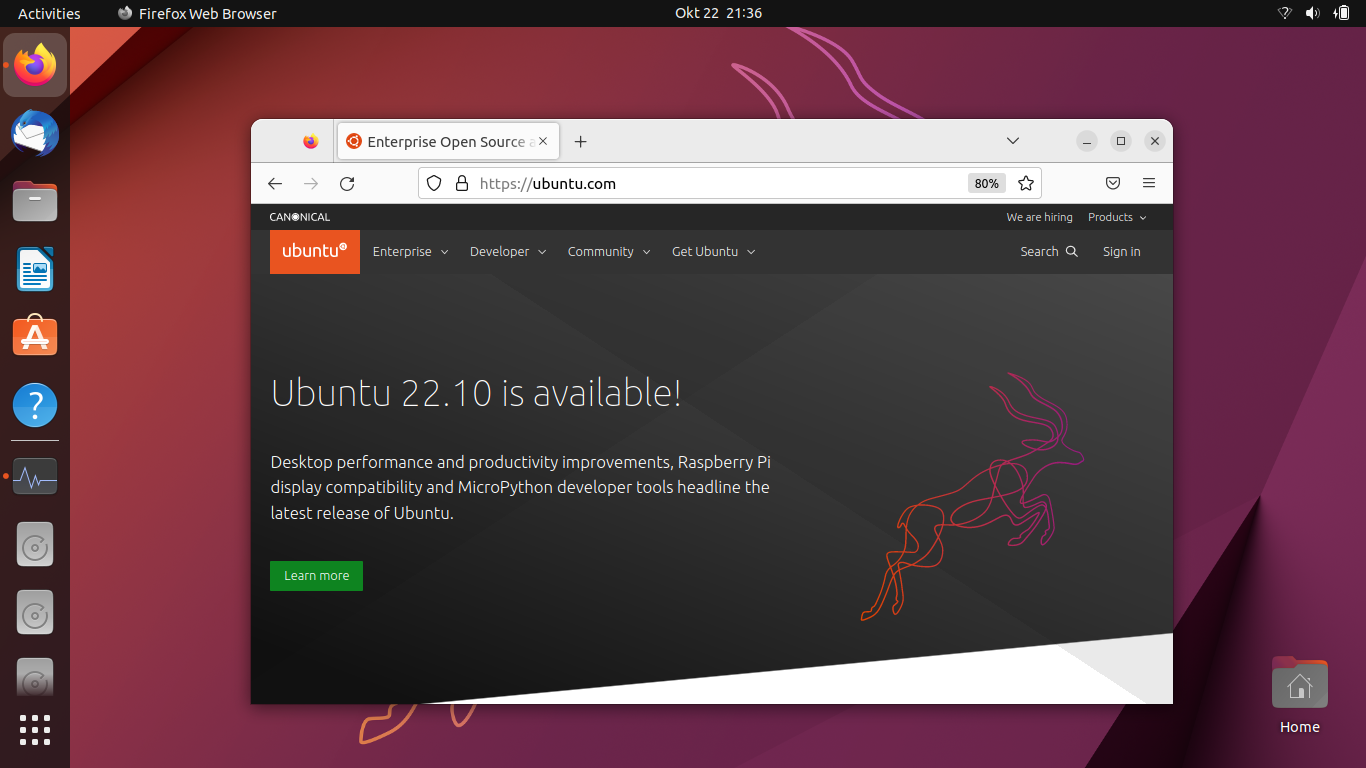
This tutorial will help you install Ubuntu 22.10 operating system into your computer explained with pictures step by step. Codenamed Kinetic Kudu, it is the latest version of Ubuntu, the world most popular OS from the FOSS community. By reading this tutorial, you will be able to install Ubuntu into you PC and laptop in easy and safe ways without worry of accidentally deleting data. Now let's exercise and happy installing! 
Subscribe to UbuntuBuzz Telegram Channel to get article updates.

This is a tutorial to install Ubuntu 20.04 Focal Fossa operating system into your computer. You can do this to computer either with bios or uefi, in either single or dualboot mode and optionally put it into external hard disk drive if you wish. This tutorial should be sufficient for most users and is intended for people without deep knowledge in computing. You will prepare a bootable media, two partitions, and go through ten steps until everything finished. This article recommends you to install on an empty computer with the specification at least Intel or AMD 64-bit processor and 2GB memory and 20GB hard disk partition. Happy installing!

 
(Focal Fossa operating system installation process)

Subscribe to UbuntuBuzz Telegram Channel to get article updates directly.


This tutorial explains how to install Ubuntu 18.10 for beginners with an additional guide for computers with UEFI. This tutorial is applicable to all Official Flavors too (such as Kubuntu, Lubuntu, etc.) as the steps are actually not different. You will prepare two blank partitions first, then follow ten steps of installation. For systems with UEFI, like most laptops sold after 2010, you will need to create a 200MB EFI Partition. Anyway, enjoy Ubuntu 18.10, happy installing!

Subscribe to UbuntuBuzz Telegram Channel to get article updates directly.