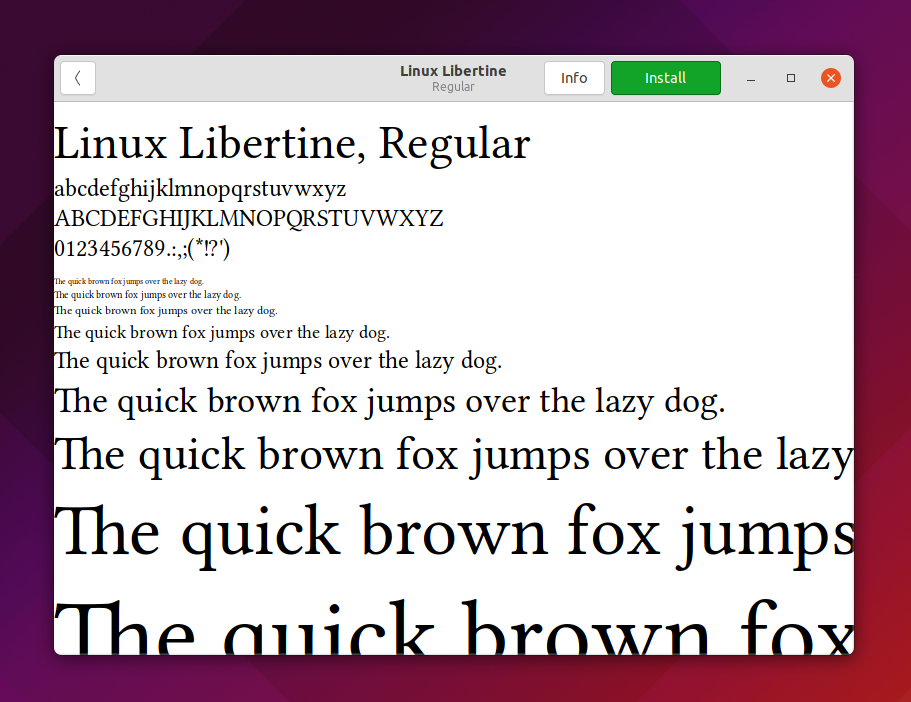
This tutorial will help you configure font replacements on LibreOffice. This means the computer will automatically replace a font in an opened document with an existing font on your Ubuntu system, for example, replacing Times New Roman with a very identical font like FreeSerif. This is useful for teachers and students in increasing document compatibility/readability for themselves. This is applicable for all application suites including Writer, Calc and Impress. See also a companion of this article List of Alternative Fonts to know more and download them. Now let's take care of it.

Subscribe to UbuntuBuzz Telegram Channel to get article updates.